
Blockset Port components
Description of the Blockset Port components in Schematic Editor, which are used to define points of signal exchange with the blockset application model.
Component Icons
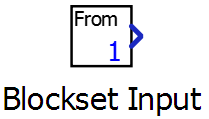 |
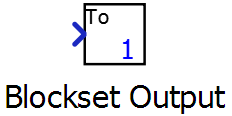 |
Description
To perform a co-simulation, the blockset application loads a compiled TyphoonSim model, which is defined in the Schematic Editor. Blockset Port elements are used to define the points for signal exchange between the two co-simulating models.
Note: For more information about the usage of a Typhoon Blockset package, install it
in the third-party application and read the specific documentation.
Blockset Ports can only be added to the root of the schematic. Adding a Blockset Port to the diagram triggers communication with the blockset application, and automatically creates an equivalent port in the blockset application side.
Properties
- Port number
- Specifies the order or the appearance of the ports in the blockset application.
- Dimension
- For vector signals. Specifies the dimension of the connected vector.
- Execution rate
- Input port only. The execution rate (see Execution rates) must match the one of the connected components.